


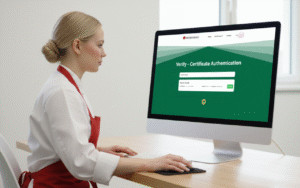
Step-by-Step Guide: How to Register and Enroll #

1 – Visit the Website #
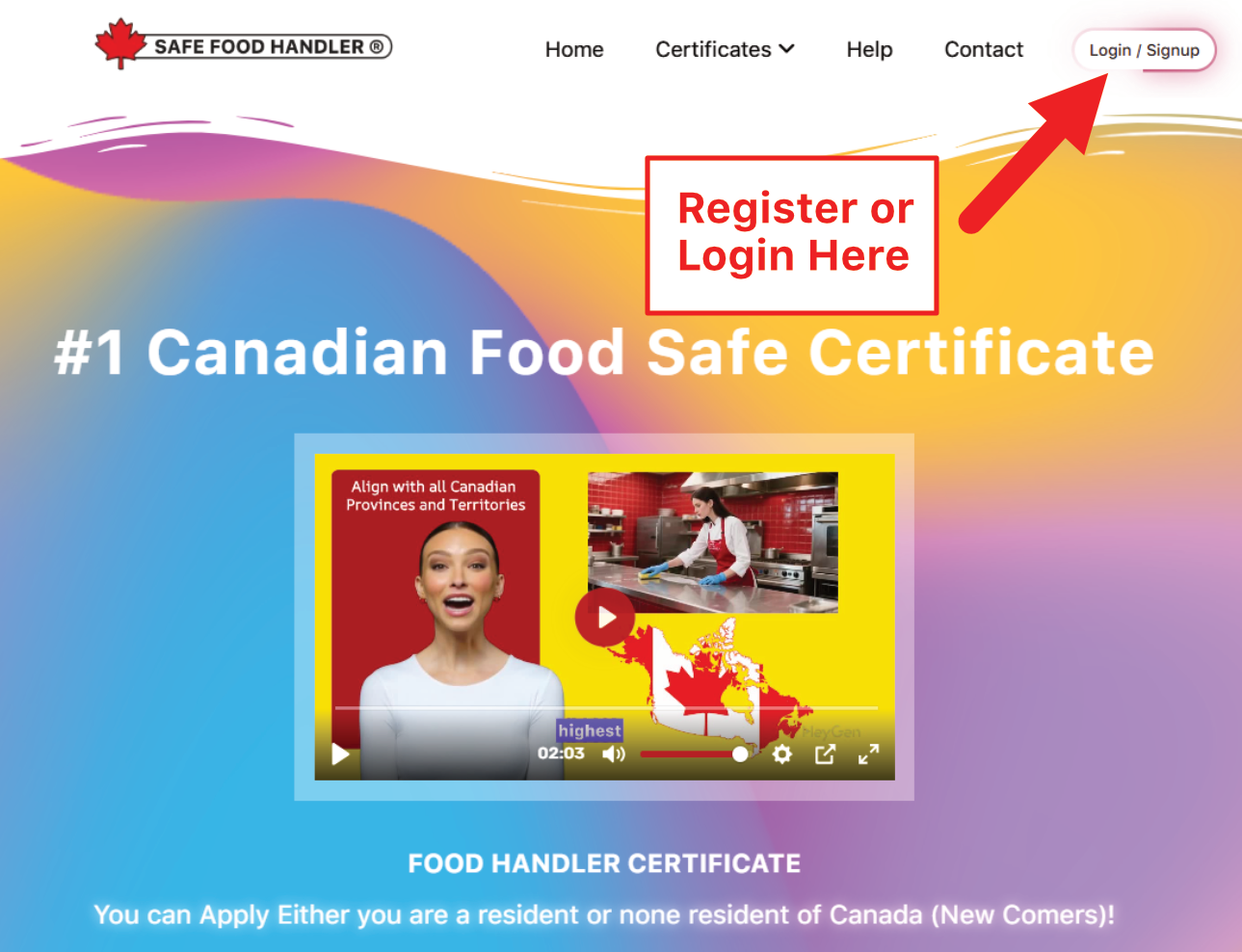
Go to the official homepage: https://safefoodhandler.ca.
Look for the Login / Signup button (usually in the top-right corner, highlighted in the header navigation).
2 – Start the Registration / Signup Process #
Click “Login / Signup” or “Register” (it may appear as a prominent call-to-action button like “Register Here” on the homepage).
This takes you to the account creation form.
3 – Fill in the Required Information #
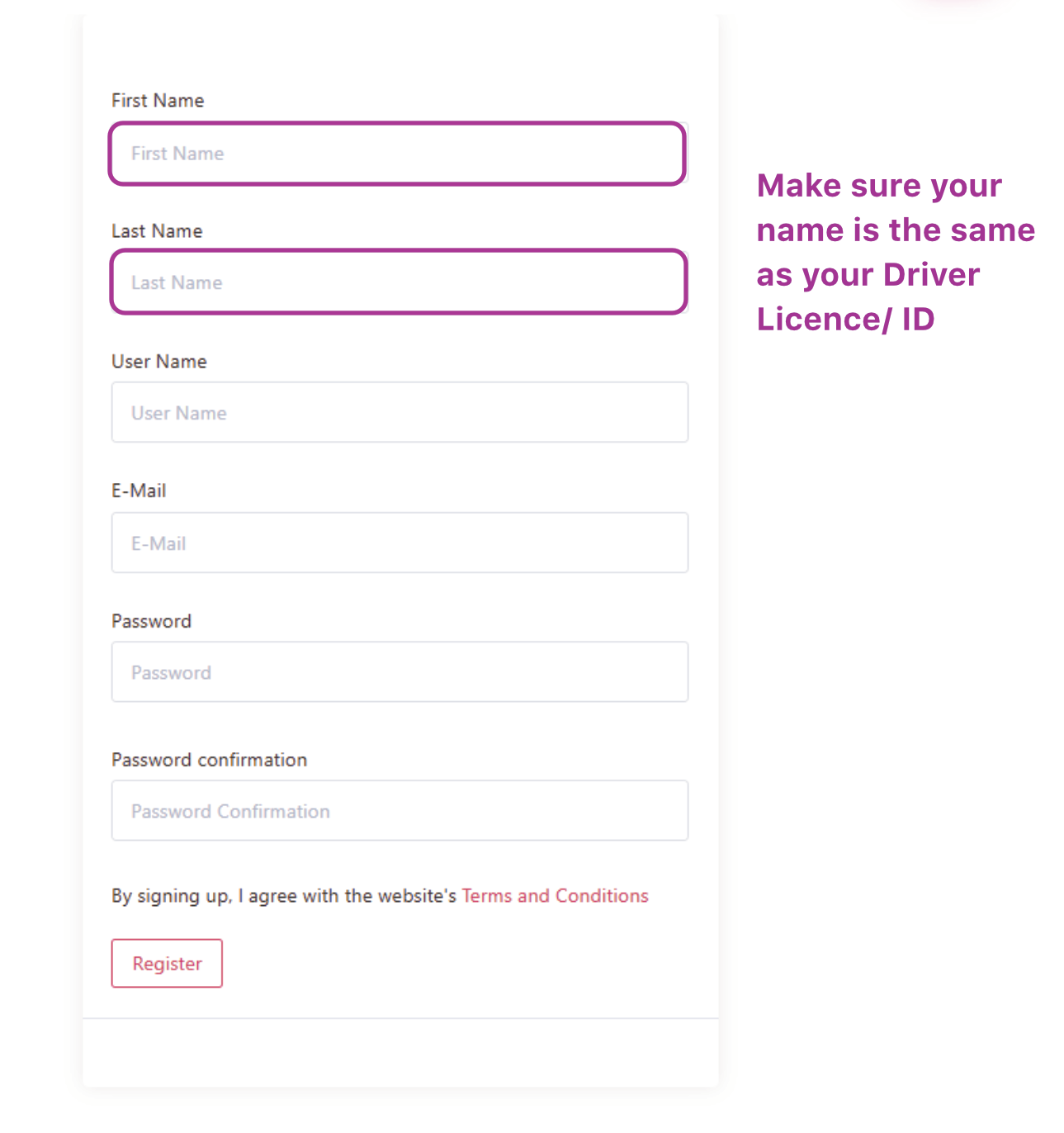
The signup form includes the following fields:
- First Name — Enter your first name exactly as it appears on your official ID (for certificate accuracy).
- Last Name — Enter your last name exactly as it appears on your Driver’s Licence/ID (important note: Make sure your name is the same as your Driver Licence/ID, as this ensures your certificate matches your legal identification for employer verification).
- User Name — Choose a username for logging into your account.
- E-Mail — Provide a valid email address (this is where your certificate and updates will be sent).
- Password — Create a secure password.
- Password Confirmation — Re-enter your password to confirm.
Important Reminder from the Form , Make sure your name is the same as your Driver Licence/ID. By signing up, you agree to the website’s Terms and Conditions.
5 – Complete Registration #
Click the Register button at the bottom of the form.
After submitting, you’ll receive a confirmation (check your email, including spam/junk folder).


